Running out of ideas is the usual reason an app account goes quiet. The fix is not more ideas. It is a few formats you can fill again and again with a new topic. Here are twelve, each with when it fits and a headline to start from.
All the slides below were made with Slidepost for demo apps. The formats work in any tool, and they are all in the Slidepost library.
Twelve formats
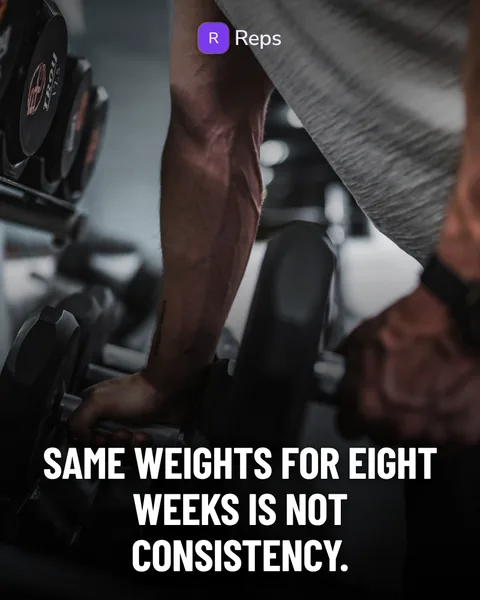
1. Hook on photo
One full-bleed photo and one hard line. It works when you have a blunt opinion about a habit or a belief in your niche, and you can back it up in two or three slides.
Start from: “Same weights for eight weeks is not consistency.”
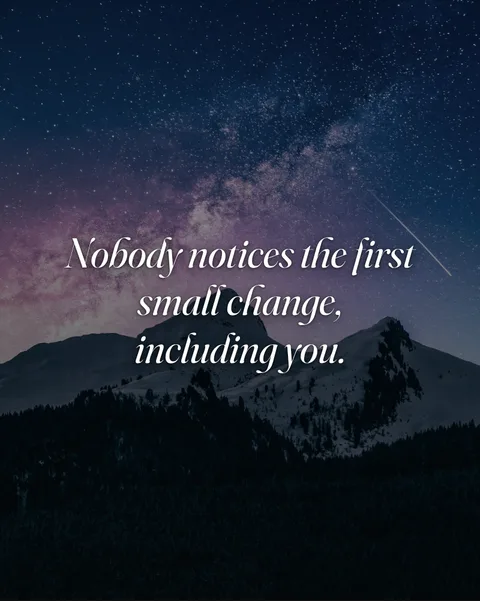
2. Quotes
One sentence per slide over a mood photo, no logo, no pitch. Use it for a calm, shareable post that builds familiarity with your account. Keep the idea sharp or it turns into wallpaper.
Start from: “Nobody notices the first small change, including you.”
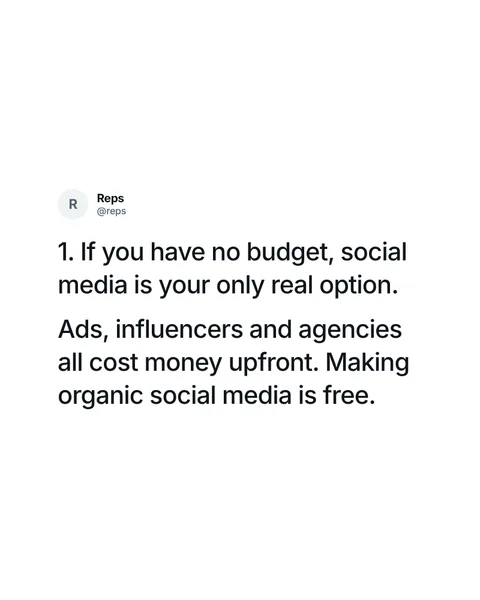
3. Tweet thread
A thread as slides, with your app as the author. Good for lists of lessons from building and marketing your app, and for opinions that need a few steps.
Start from: “10 truths about marketing an app no one tells you.”
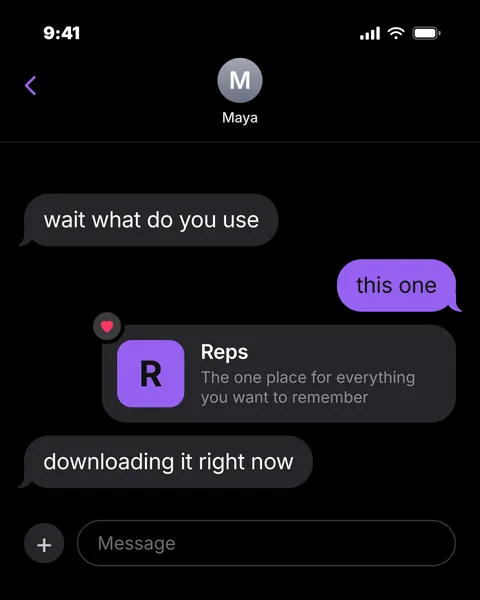
4. Text thread
A friend asks how you do it, you answer, and your app arrives as a link card. It reads like a recommendation, so keep your side of the chat short and plain.
Start from: “Wait, what do you use for this?”
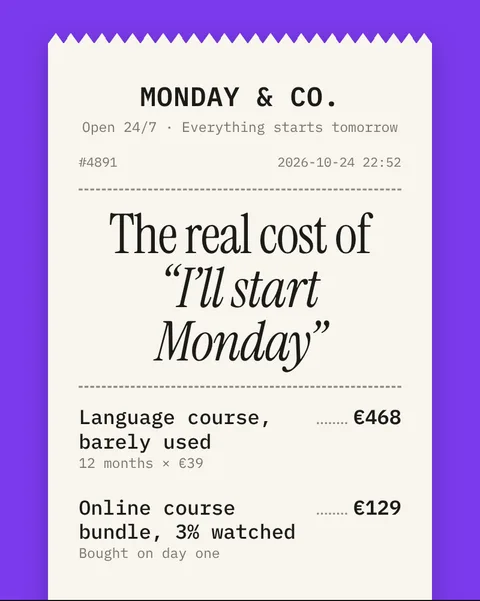
5. Receipt
One long paper receipt across the swipe: what a habit really costs, item by item, a total, and a return slip from your app. It fits any problem where people pay for something and barely use it.
Start from: “The real cost of ‘I’ll start Monday’.”
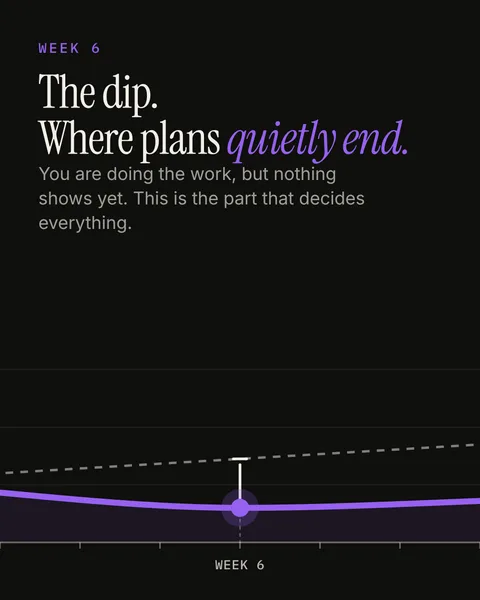
6. Expectation vs reality
One line that runs through every slide: the plan, the dip, the boring middle and the week it compounds. Use it for habits and anything where progress is slower than people expect.
Start from: “The dip. Where plans quietly end.”
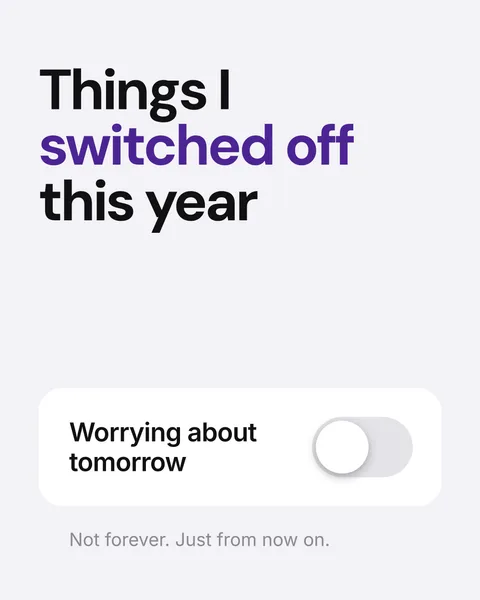
7. Toggles
A settings screen of things you switched off or on this year, ending with your app switched on. It is a light, personal way to show what your app is for without describing it.
Start from: “Things I switched off this year.”
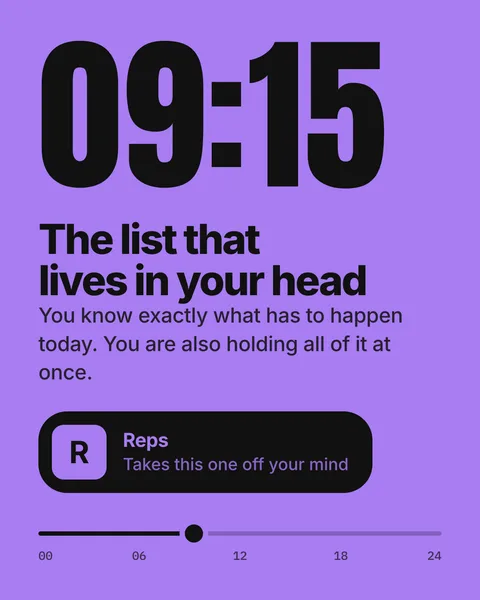
8. A day in the life
One ordinary day on a colour poster with big clock times, and your app as a small chip on the moments it helps. Use it when your app solves something that recurs through the day.
Start from: “09:15. The list that lives in your head.”
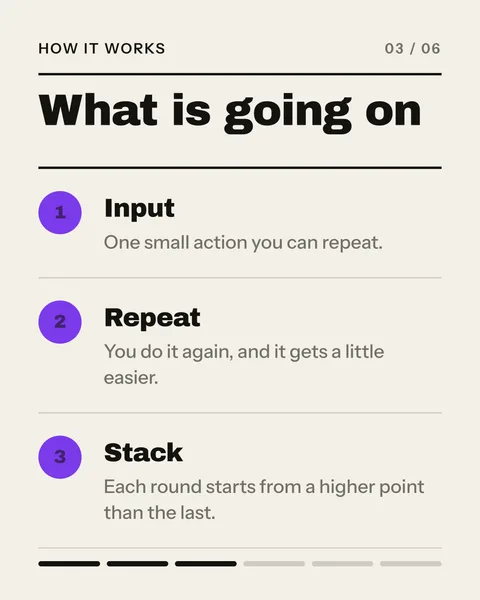
9. Explainer
One topic in plain words: the short version, how it works in three parts, an everyday comparison and what to do. People save these, and your app appears once near the end.
Start from: “What is going on when a habit finally sticks.”
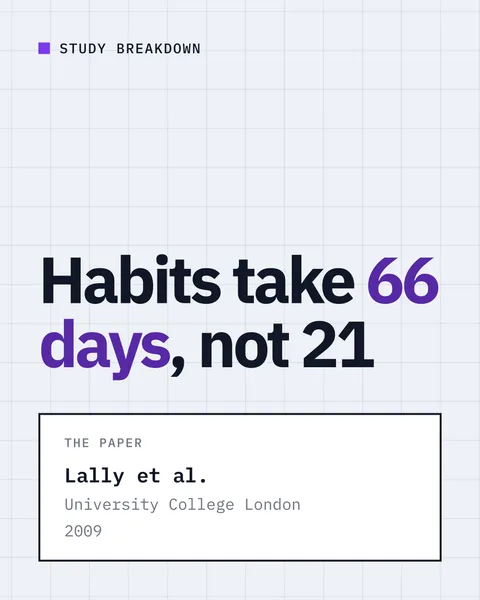
10. Study breakdown
One piece of research on a data sheet: who was studied, what they found, what it cannot tell you. Only use real studies and check every number before you post. A wrong figure costs you more trust than a good post earns.
Start from: “Habits take 66 days, not 21. What the study actually found.”
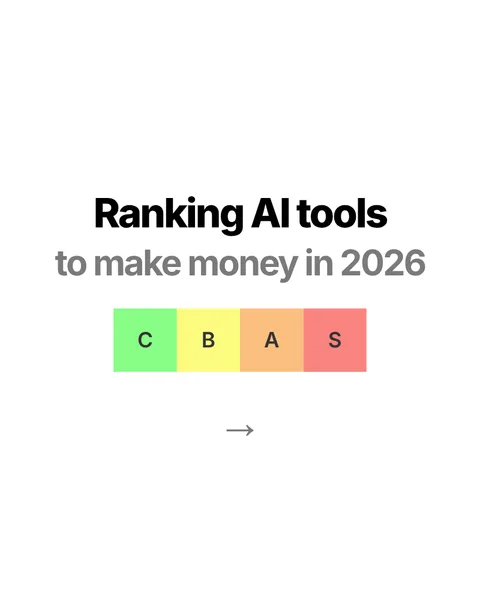
11. Tier list
A ranking from C to S with a page per tier. It invites arguments in the comments, which is fine, as long as you can explain every placement.
Start from: “Ranking the best tools for [your niche] from C to S.”
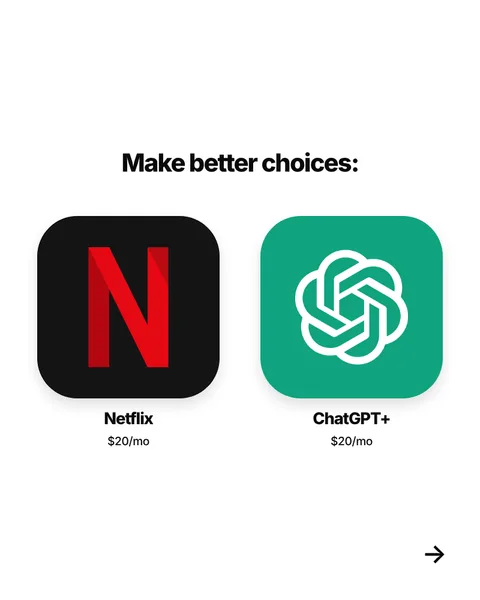
12. Roundups and comparisons
Two apps side by side, or a roundup of tools in your niche with real app screens, closing on your own app and a store button. Be fair to the others. Readers can tell when a roundup is rigged.
Start from: “Make better choices.”
How to pick one
- You have a strong opinion: hook on photo, tweet thread or quotes.
- You have a problem story: receipt, expectation vs reality or a day in the life.
- You want to teach: explainer or study breakdown.
- You want to start a conversation: tier list or this or that.
- You want to feel personal: text thread or toggles.
Then rotate. If every post looks the same, people stop seeing them. If every post looks different, they cannot recognise you. Three or four formats in rotation, in one look, is a good balance.
Turn an idea into slides
Once you have a format and a topic, the slides still need writing and designing. The step-by-step guide covers that, and this one covers the writing in detail. Or let Slidepost do the layout and a first draft of the words from your app link.