Nobody swipes a carousel because it is a carousel. They swipe because the cover promised something and every slide kept the promise a little. Writing is most of the work. Here is how to write each part.
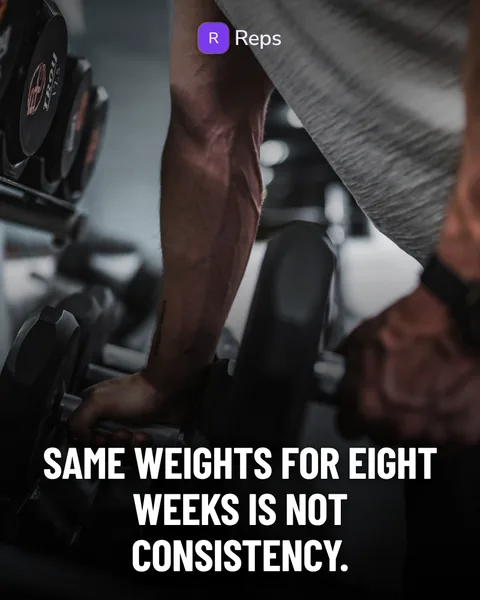
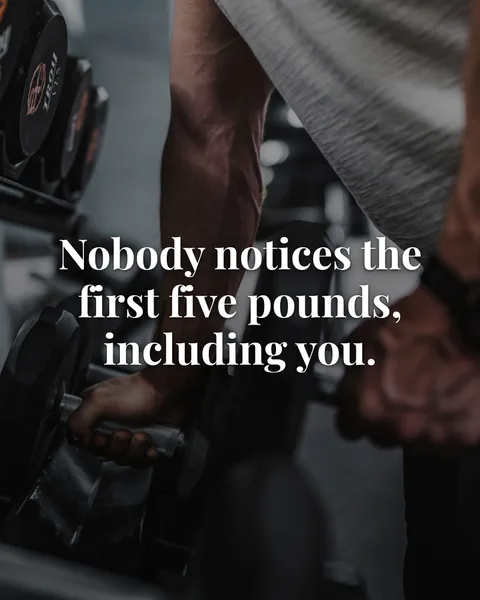

The cover: one claim, in your reader’s words
The cover has one job: make someone want slide two. The most reliable way is to say something specific that your reader half-believes already, or to name a problem they would recognise.
Vague covers promise a lecture. Specific covers promise a point.
- Instead of “5 tips for better workouts”, try “Same weights for eight weeks is not consistency.”
- Instead of “How to save money”, try “The real cost of ‘I’ll start Monday’.”
- Instead of “Why sleep matters”, try “Nine things I switched off to fall asleep faster.”
Avoid claims you cannot support, like a number you made up or a result nobody can verify. A sharp cover that the next slides cannot back up costs you the follower you just got.
The middle: one thought per slide
If a slide has two ideas, split it. If it has none, cut it. Each slide should answer the question the previous one raised.
- Write short. A sentence or two per slide is usually enough. If you have to shrink the text to fit, there is too much of it.
- Be specific. “Your log exposes the lie” beats “Track your progress.” Details make a post feel written by a person.
- Keep a thread. Plan, cost, reframe, rule. If a reader could swap two slides without noticing, the order is not doing any work.
- Change shape once. A list, a photo, a receipt or a chart in the middle resets attention. Do not do it on every slide.
The last slide: one next step
End with something to do or to remember, and only one. Good options:
- A line worth saving, such as a rule for next week.
- A question that makes people reply or send the post to a friend.
- A single mention of your app and where to find it.
If the whole carousel is an advert, say so at the start. If it is useful, one mention of your app at the end is enough.
The caption
The caption is the second chance to explain the post. Put the point in the first line, since that is what shows before the text is cut off. Add two or three short sentences of context that do not repeat the slides, then one clear next step. Keep hashtags few and relevant.
An edit pass that takes five minutes
- Read the cover alone. Would you swipe?
- Delete the first sentence of the post. Is it better without it? Often it is.
- Check every claim, number and study against a source you trust.
- Read the slides aloud. Anything you would not say to a friend, rewrite.
- Look at the first slide at thumbnail size. Can you still read it?
How Slidepost helps with the words
Slidepost writes the first draft in the voice you set in your brand kit: who the app is for, the promise, the tone, the hook style and the claims you never make. The layouts are fixed, so the text always fits the frame. You edit every line before you download, and a dice button rolls a new version of any slide. The kit is only as good as what you put in it, so take ten minutes to write it properly.